










Accounts, holdings, and orders.
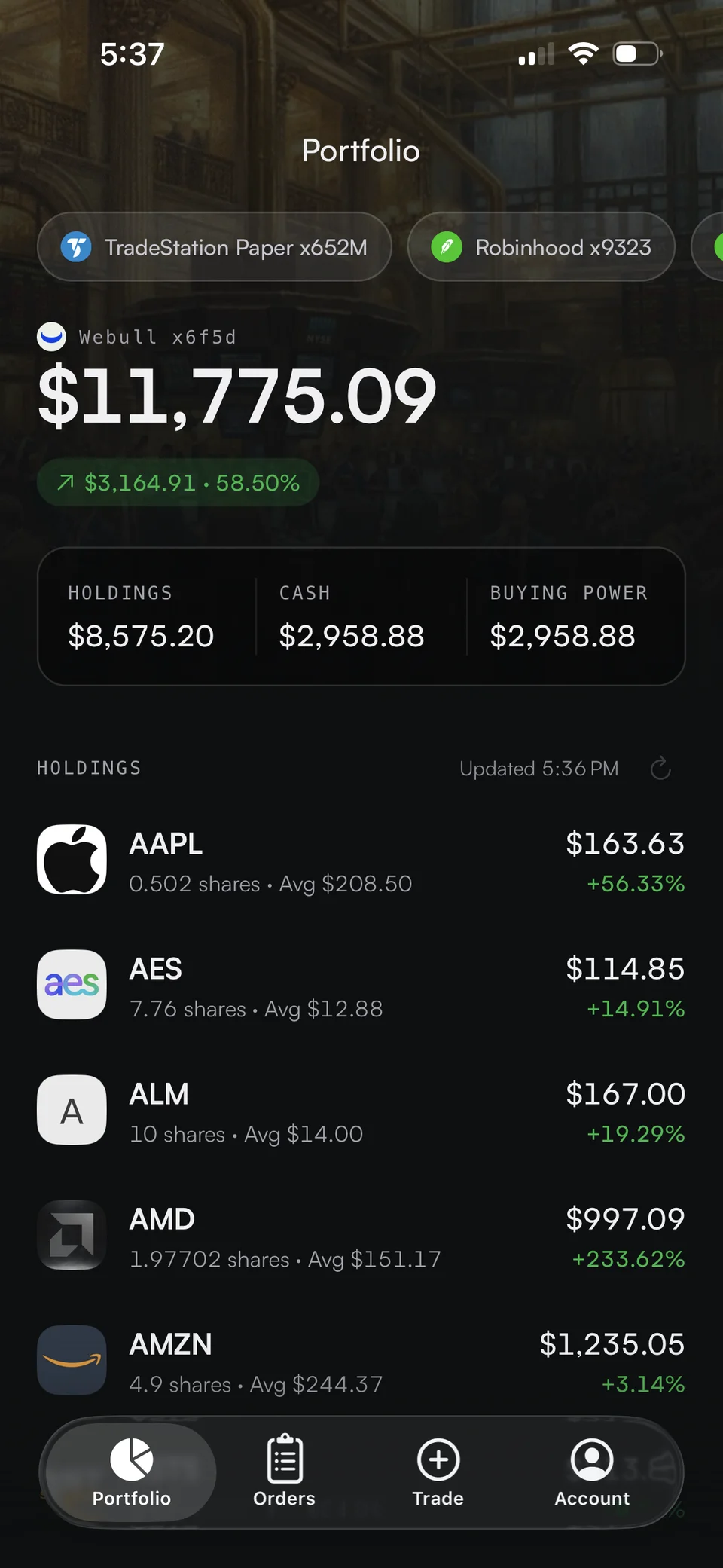
Keep connected brokerage information in one workspace. Move between holdings and trade activity without rebuilding your picture across apps.

Different brokerages. Different investments. Bring your accounts, holdings, and orders into one considered view—and take that context wherever your next idea happens.
Portfolio value
$48,250.00Total return
+$4,070.00+9.73% on invested cost| Asset | Position | Total cost | Value | Return |
|---|---|---|---|---|
| AAPLApple Inc.Robinhood | 24@ $210.00 | $5,040.00 | $5,760.00$240.00 last | +$720.00+14.29% |
| VOOVanguard S&P 500 ETFCharles Schwab | 60@ $480.00 | $28,800.00 | $31,500.00$525.00 last | +$2,700.00+9.38% |
| BTCBitcoinCoinbase | 0.10@ $80,000.00 | $8,000.00 | $8,650.00$86,500.00 last | +$650.00+8.13% |
Positions, cost basis, market prices, and returns across your accounts.
Account aggregation is the beginning. Trade It connects the view of what you own to the places where you think, discuss, and act.
Keep connected brokerage information in one workspace. Move between holdings and trade activity without rebuilding your picture across apps.
Use MCP to let your assistant retrieve account context, explore positions, and draft orders with your actual brokerage in mind.
Connect your assistant →Create stock, options, and crypto orders on supported brokerages. Review the account and order details before execution.
See how trades travel →No. Your funds and investments stay in your existing brokerage accounts. Trade It connects those accounts; it does not custody or transfer your assets.
See the brokerage comparison for active connections, including equities and crypto brokerages. Options, fractional orders, and other features depend on the brokerage and account permissions.
Holdings are cached daily by default. Eligible plans can request a fresh brokerage sync, subject to a one-minute cooldown per account. Visit pricing for plan details.
Check your holdings, build a trade, and keep your accounts connected. The brokerage accounts you already use, in one app that goes with you.
Connect your brokerage. Choose your interface. Make your move.
Get started